Highway Racing Car Customization Guide
Paint, rims, tints, and underglow—style your ride after the car already earns.
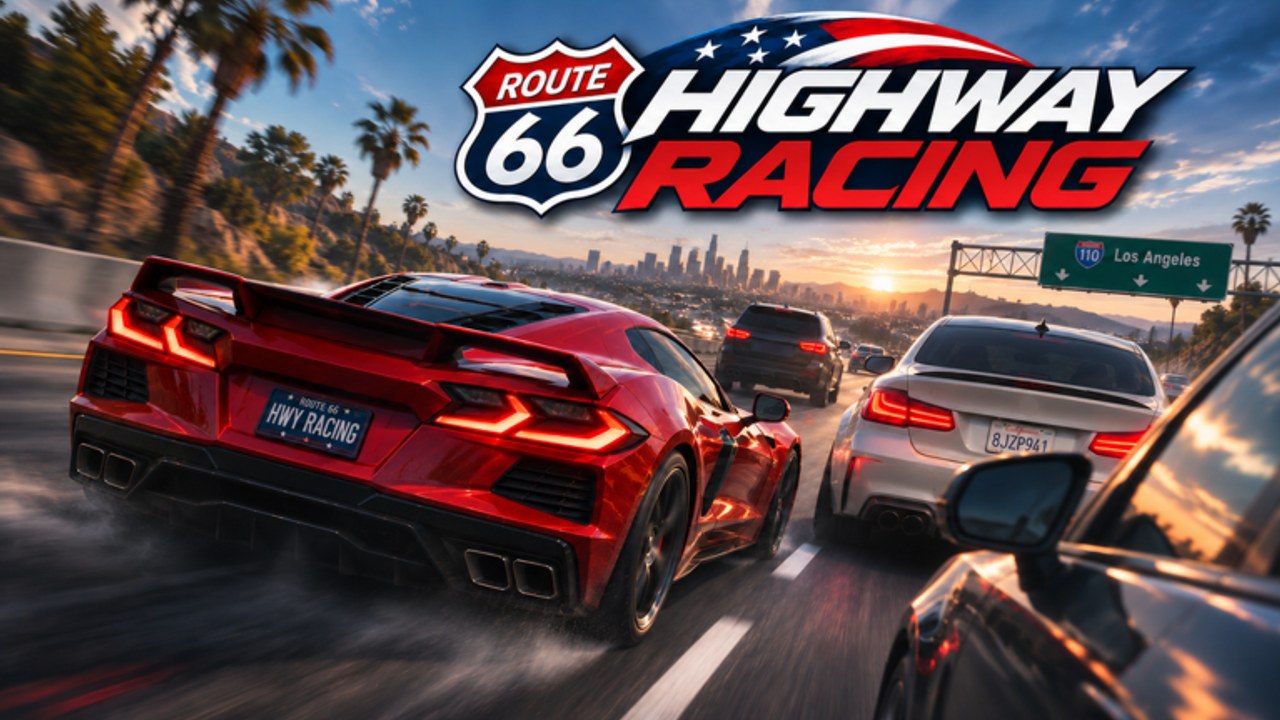
Highway Racing lets you stamp a visual identity on the 32-car garage with paint, rims, tints, and underglow. Customization is half the fantasy of interstate racing—just do not let it bankrupt the performance plan that actually grows Cash. This guide covers what each slot is for, when to spend, and how to keep style from sabotaging speed.
For purchase order across chassis tiers, use the Vehicles Hub and Car Tier List. For the wallet itself, use Earn Cash Fast.
Golden rule
Performance first, cosmetics second.
A hatchback with perfect underglow still earns like a hatchback. An ugly mid sports car you can drive scratch-free funds the hypercar you eventually wrap in neon.
The four visual pillars
Paint
Paint is the largest readability choice on the road:
- Bright colors help friends spot you in race meets (~10 player servers).
- Dark matte finishes look stealthy but can hide your own car against night asphalt in some lighting.
- High-contrast liveries make screenshot thumbnails pop for Discord flexes.
Pick paint after you own a car you plan to main for a while. Repainting every temporary C-tier upgrade wastes Cash better spent on the next chassis.
Rims
Rims change silhouette and can subtly affect how “heavy” a car looks at speed. Functionally, treat them as style unless a patch notes otherwise on Updates. Tips:
- Match rim color to paint accents for a clean show build.
- Avoid spending rare Cash on rims for cars you will sell or replace this week.
- If a rim pack is expensive, test whether you still hit daily reward goals afterward (dailies can reach $160,000).
Tints
Window tints set mood—from clear daily driver to night-runner blackout.
- Heavy tints look aggressive in garage cameras.
- On some displays, extreme tint plus dark paint reduces your sense of cabin orientation; if you feel “lost” in camera modes, lighten tint.
- Story race screenshots often look better with medium tint rather than pure black.
Underglow
Underglow is the classic Roblox highway flex. Multicolor glow reads well in night traffic and gallery shots.
- Use underglow as a finishing layer after paint/rims.
- Pick one accent color tied to your paint instead of rainbow chaos—unless chaos is the point.
- Remember glow does not raise top speed or Cash-per-second.
Suggested spending timeline
- Redeem Codes (GOAL, RELEASE, HIGHWAY, SECRET) and claim dailies.
- Buy out of D-tier starters into a stable C/B car.
- Add handling/speed oriented upgrades until near-miss practice feels fair (Near Miss Combo).
- Lock a “main” for the week.
- Apply paint → rims → tints → underglow on that main.
- Only then deep-customize secondary cars for fun.
New players should finish Getting Started before opening the cosmetic catalog for a shopping spree.
Style builds with a purpose
Visibility build
Bright paint, light tint, modest underglow. Ideal when learning Controls and reviewing your own mistakes on recordings.
Night meet build
Dark paint, deep tint, strong underglow. Designed for Discord screenshots and late lobby race meets. Practice first—glow will not prevent scratches.
Clean show build
Monochrome paint, matching rims, subtle tint, no glow or thin glow. Reads “intentional” next to hypercars on the Tier List Hub.
Customization and scripts
Auto Tune / Auto Buy features on Barrage Hub may spend Cash without your taste or priority order. If you care about a curated garage, buy manually. Scripts also carry ban and malware risk per the Scripts Hub.
Photography and nametag culture
Best runs show on nametags; looks show in every chase cam behind you. After a personal record, park and adjust lighting-friendly paint before inviting friends from the Highway Racers Discord (Official Links).
When capturing gallery shots:
- Use a readable background stretch of highway
- Avoid busy traffic blocking the silhouette
- Take one daytime and one nighttime shot of the same wrap
Budget templates
Broke but stylish: one paint change on your B-tier main; skip rims this week.
Balanced: paint + tint, save underglow for payday after story rewards (Story Races).
Showoff: full paint/rims/tint/glow on an A/S car you can already drive clean for five minutes.
If a cosmetic purchase would delay a meaningful chassis upgrade by days, wait. The interstate meta rewards speed you can control.
Mistakes to avoid
- Wrapping a car you hate driving
- Spending GOAL’s 2x window inside the paint menu
- Matching glow to every lobby trend until the car looks noisy
- Assuming tint equals performance camouflage against AI—AI still exists on sensors you do not have
- Ignoring patch notes if a customization sale or new part category lands
Related pages
Make the car yours—after the car makes Cash yours. Paint is the celebration of a garage plan that already works.
Frequently Asked Questions
Quick answers to the most common questions.
What can I customize in Highway Racing?
Core visual options include paint, rims, tints, and underglow on cars in your garage.
Do cosmetics make my car faster?
No. They change looks. Spend on performance and better chassis first if you care about Cash and combos.
When should beginners buy underglow?
After you have a stable main car and leftover Cash beyond upgrades and the next tier purchase.
Should I customize every car I buy?
Customize keepers. Light spending on temporary early cars is usually a waste.
Where do I get Cash for cosmetics?
Redeem codes, claim dailies up to $160k, and grind clean high-speed runs outlined in Earn Cash Fast.